Vidofy AI
Visit- Introduction:
Create stunning videos, images, and audio in seconds with AI.
- Added on:
Jan 27 2026
- Company:
Vidofy.AI
- AI video generation
image to video
- AI animation
text to video
AI content creation
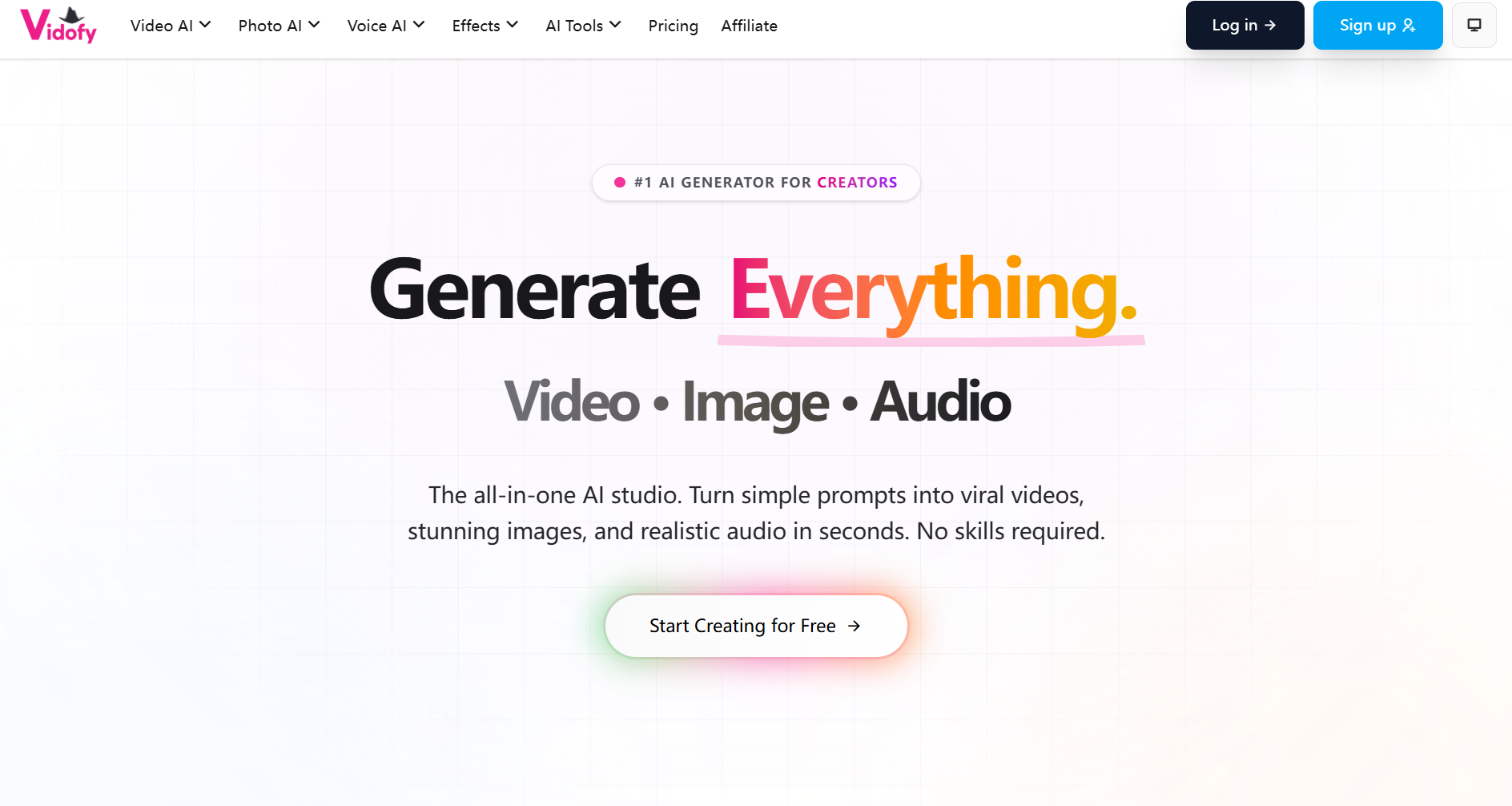
Welcome to Vidofy.AI: Revolutionizing Content Creation with AI
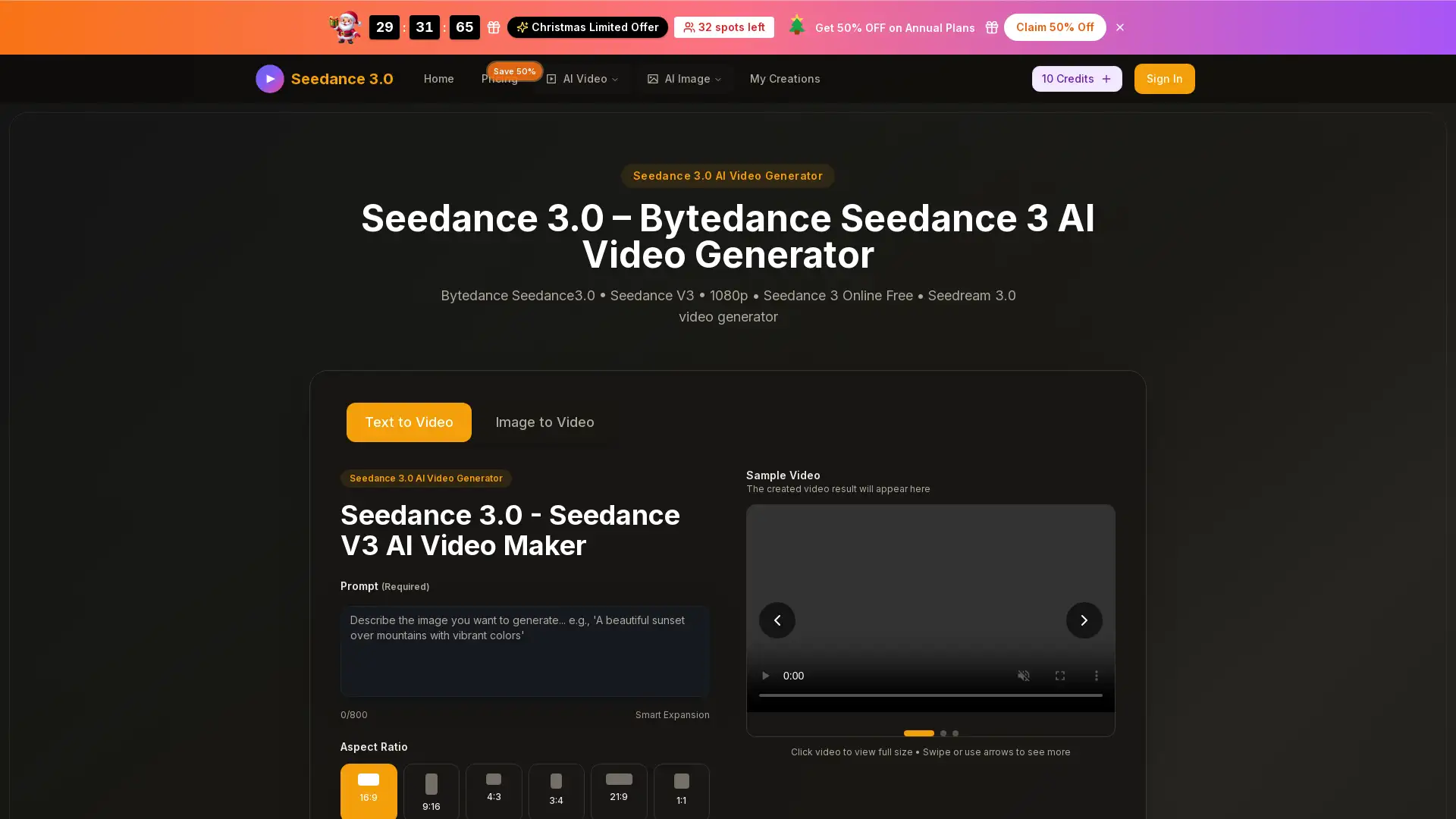
Vidofy.AI is an all-in-one AI platform designed to help creators easily generate videos, images, and audio from simple prompts. Whether you're transforming text into stunning videos, animating still images, or applying creative effects to videos, Vidofy.AI offers powerful tools to bring your ideas to life. With an intuitive, beginner-friendly interface, users of all experience levels can create high-quality, unique content in just a few clicks.
Main Functions of Vidofy.AI
Text-to-Video Generation
Example
Generate a cinematic video by simply describing a scene in text.
Scenario
Perfect for marketers, content creators, or storytellers who need to quickly create engaging video content from written scripts or ideas.
Image-to-Video Animation
Example
Animate a still image of a landscape, bringing it to life with motion and depth.
Scenario
Ideal for artists and designers looking to turn their static artwork or photographs into dynamic videos for presentations or social media.
Video-to-Video Transformation
Example
Transform an existing video into a new artistic style, such as animation or retro film.
Scenario
Useful for filmmakers, advertisers, and social media managers who want to repurpose existing footage by applying creative effects and styles.
Ideal Users of Vidofy.AI
Digital Marketers
Marketers who want to create high-quality promotional videos or ads without extensive video editing experience.
Creative Professionals
Artists and designers looking for quick ways to animate their artwork or create unique visuals for projects.
Content Creators
Content creators and influencers seeking to produce engaging videos and images for social media, blogs, or YouTube.
How to Use Vidofy.AI
- 1
Step 1: Create an Account
Sign up for Vidofy.AI and choose the plan that suits your needs, including a free option to explore the features.
- 2
Step 2: Upload and Choose Your Settings
Upload your input, whether it’s text, an image, or a video, and select the desired model or style for your content.
- 3
Step 3: Download or Share Your Creation
Once your content is generated, download or share your videos, images, or audio with no technical skills required.
Related Youtube Video About Vidofy AI
KI Videos erstellen 2024 | Diese 7 KI Tools musst du kennen!
Top 10 AI-Tools, um KI Videos zu erstellen! (kostenlos)
Künstliche Intelligenz erstellt Instagram Content für dich 🤫 Canva & ChatGPT Trick 🔥 einfach erklärt
Kostenlos KI Bilder erstellen: So geht’s mit Canva Text zu Bild
Vidu Ai | Create High-Quality Animations For Free | Vidu Ai Tutorial
Vidu Ai: Create Cinematic Animations for Free | AI Video Generation Tool Tutorial
InVideo: AI to Make Videos in Minutes
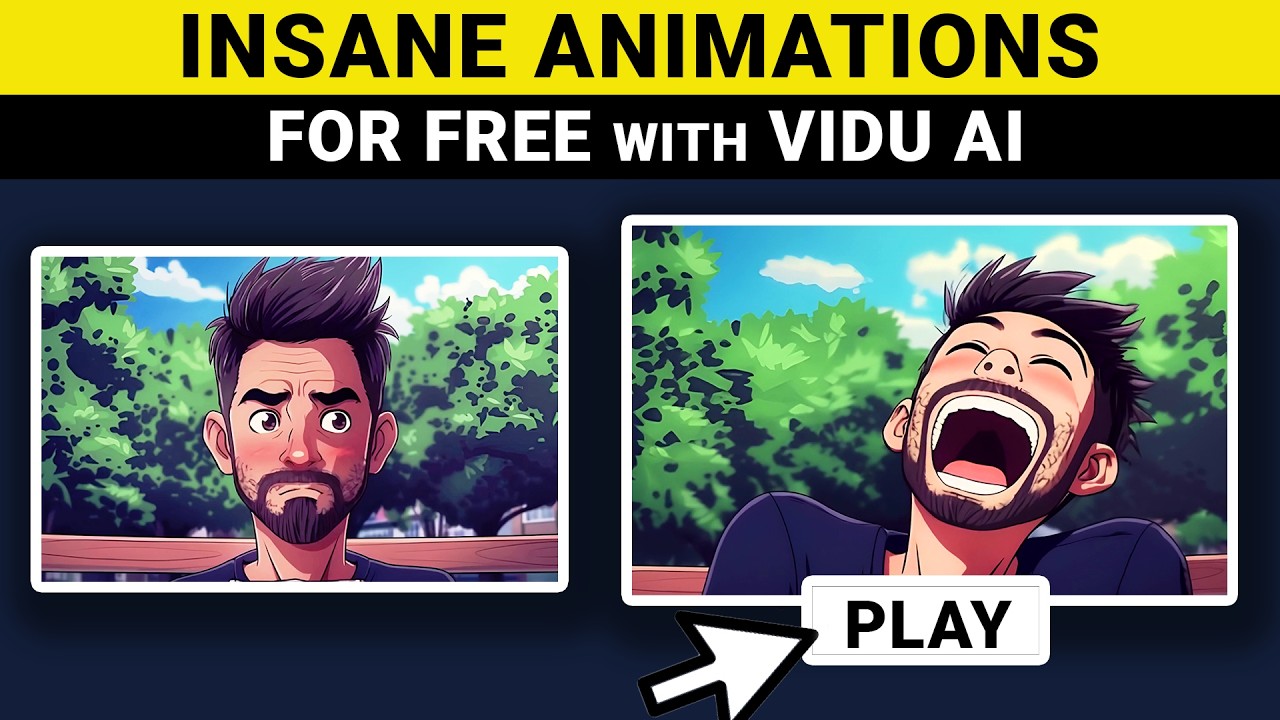
Vidu Ai | Create Pro Animations For Free | Vidu Ai Tutorial
Frequently Asked Questions
Vidofy AI Pricing
For the latest pricing, please visit this link:https://vidofy.ai/en/pricing
Free Plan
Free
Access to basic tools
Generate videos and images with watermarks
Limited usage per month
Pro Plan
$19/month or $199/year
Watermark-free content
Access to premium AI models
Higher generation limits
Priority customer support
Business Plan
$49/month or $499/year
All Pro Plan features
Commercial use rights for generated content
Unlimited generation access
Dedicated account manager