- 4:3
- 3:4
- 1:1
AI Logo Generator
Describe what your brand does and what the mark should look like, and the AI draws logo options you can choose a direction from.
image.state.default
relatedTools.title
Free Logo Ideas Generator by YesChat.ai - Create AI-Driven Logos Instantly
Free Name Logo Generator by YesChat: AI-Powered Logo Creation
Free UX/UI AI Generator by YesChat | Humanize AI Text with Ease
Free AI-Powered Content Writer by YesChat.ai for Engaging SEO Content

Bypass AI Detector Free - YesChat.ai | Create Undetectable Text Easily
Free Persuasive Speech Generator - YesChat | Customized & Inspiring
Free Soul Music Generator - Create Custom Tracks with YesChat
Free Speech Writing Generator - YesChat.ai | Tailored Speech Writing
What the AI Logo Generator Can Do

A logo from a description
Write the name, the field and the image you have in mind: "Morning coffee shop, a cup with a rising sun, minimalist". The AI draws a logo from that description.

Different styles
Name the style in words: "minimalist icon", "vintage emblem", "geometric mark", "hand-drawn logo". It's a quick way to see which direction suits the brand.
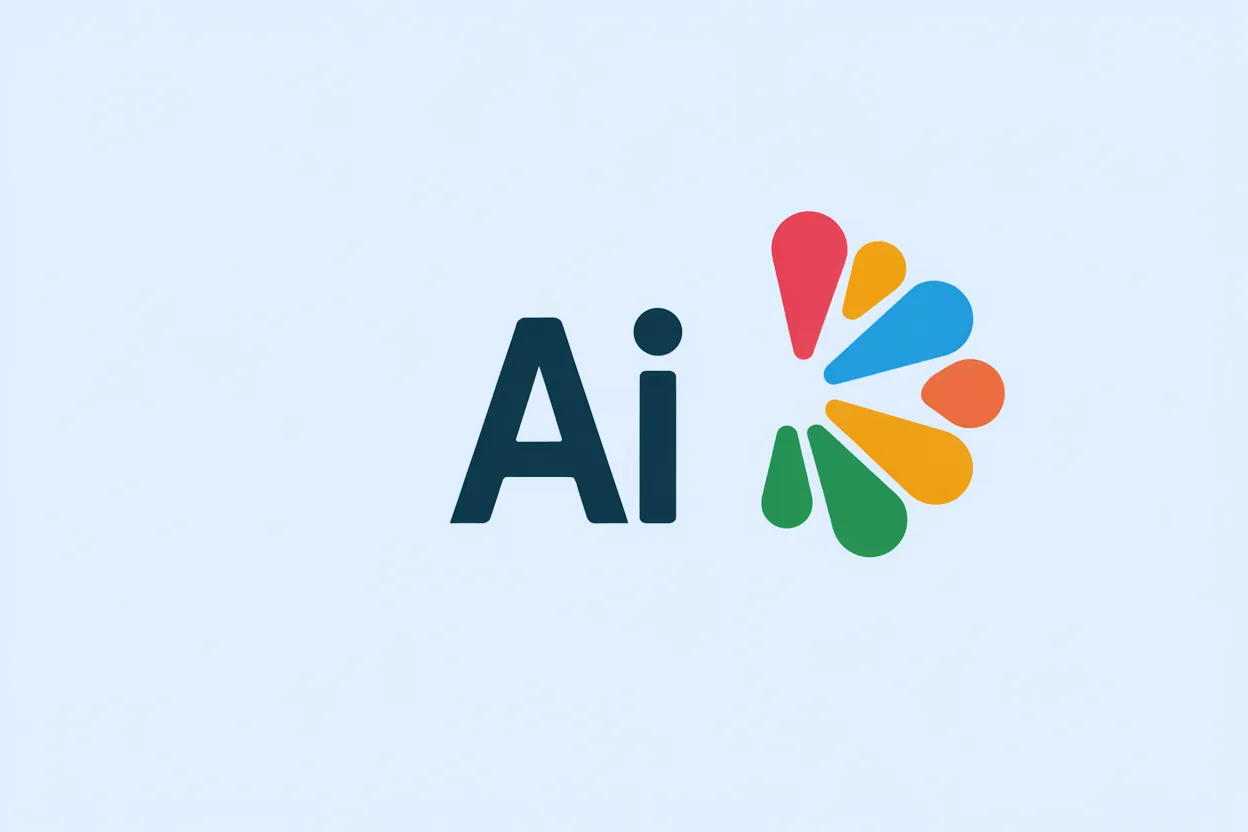
Colors and lettering
Name your brand colors and the feel of the lettering: "navy and gold", "clean sans-serif font". The AI renders short names more reliably than long ones.

Plenty of options to choose from
Create several versions from one description and change a couple of words. That makes it easier to find an idea a designer can then refine.

Works in your browser
Nothing to install: the page opens on computers and phones, and you can download the finished image.
How to Make a Logo with AI
Step 1: Describe the brand and the mark
The name, what the company does, the symbol you want, the style and the colors. For example: "Lotus yoga studio, a lotus made of lines, minimalist, green".
Step 2: Generate options
Click "Generate". You need to sign in to generate; new accounts get welcome credits. Change the description and compare the options.
Step 3: Download and refine
Download the option you like. It is an image, not a vector file: for signage, print and a brand identity, logos are usually redrawn as vectors.
Who It's For
New business owners
Look at a few logo ideas before hiring a designer, or make a temporary mark to get started.
Designers
Sketch directions quickly for a mood board and a first discussion with a client.
Creators and bloggers
Make a mark or avatar for a channel, podcast or community.
Marketers
Prepare logos for internal projects, events and test landing pages.
Examples
"Logo for Morning coffee shop, a cup with a rising sun, minimalist, brown and orange, white background."
Coffee shop
Example"Geometric mark for a tech company, the letter N made of lines, blue gradient, no text": icon options for an app.
Tech startup
Example"Emblem for a travel channel, mountains and a plane in a circle, vintage style": a channel avatar.
Travel channel
Example"Hand-drawn bakery logo, a wheat ear and a croissant, warm tones": an idea for a shop sign that a designer can finish.
Bakery
Example
Frequently Asked Questions
How do I make a logo with AI?
Describe the brand, symbol, style and colors, click "Generate", compare the options and download the one you like. You need to sign in to generate.
Is this a logo builder?
No, it is an image generator: it draws the whole logo from your description. You can't move elements or change the font separately as in a logo builder; change the description and generate a new option instead.
Can I get the logo as a vector?
No, the result is an image. For print and a brand identity, the chosen option is redrawn as a vector.
Why is the name misspelled?
AI still doesn't write text perfectly, especially long text. Shorten the name, or generate the mark without text and add the lettering in an editor.
Can I use it for free?
Yes, after sign-up you get welcome credits for generation. After that, paid plans include a monthly pool of credits.
Do I need an account?
Yes, you need an account to generate. Sign-up is free and does not require a credit card.
Can I use the logo for my business?
Paid plans include the right to use AI-generated content for commercial purposes. Before registering a trademark, check that the logo doesn't resemble existing marks.
Can I animate the logo?
Yes, upload it on the Animate Logo page and describe the motion.
Do I need to install anything?
No. There is no separate app; YesChat works in the browser on computers and phones.
How can I pay for a subscription?
With a bank card, Apple Pay, PayPal, Cash App Pay, WeChat Pay or crypto. From Russia you can pay with a Russian bank card or SBP via Digiseller, and the subscription activates automatically.